Talent · Recruitment
From open role to signed offer in one pipeline
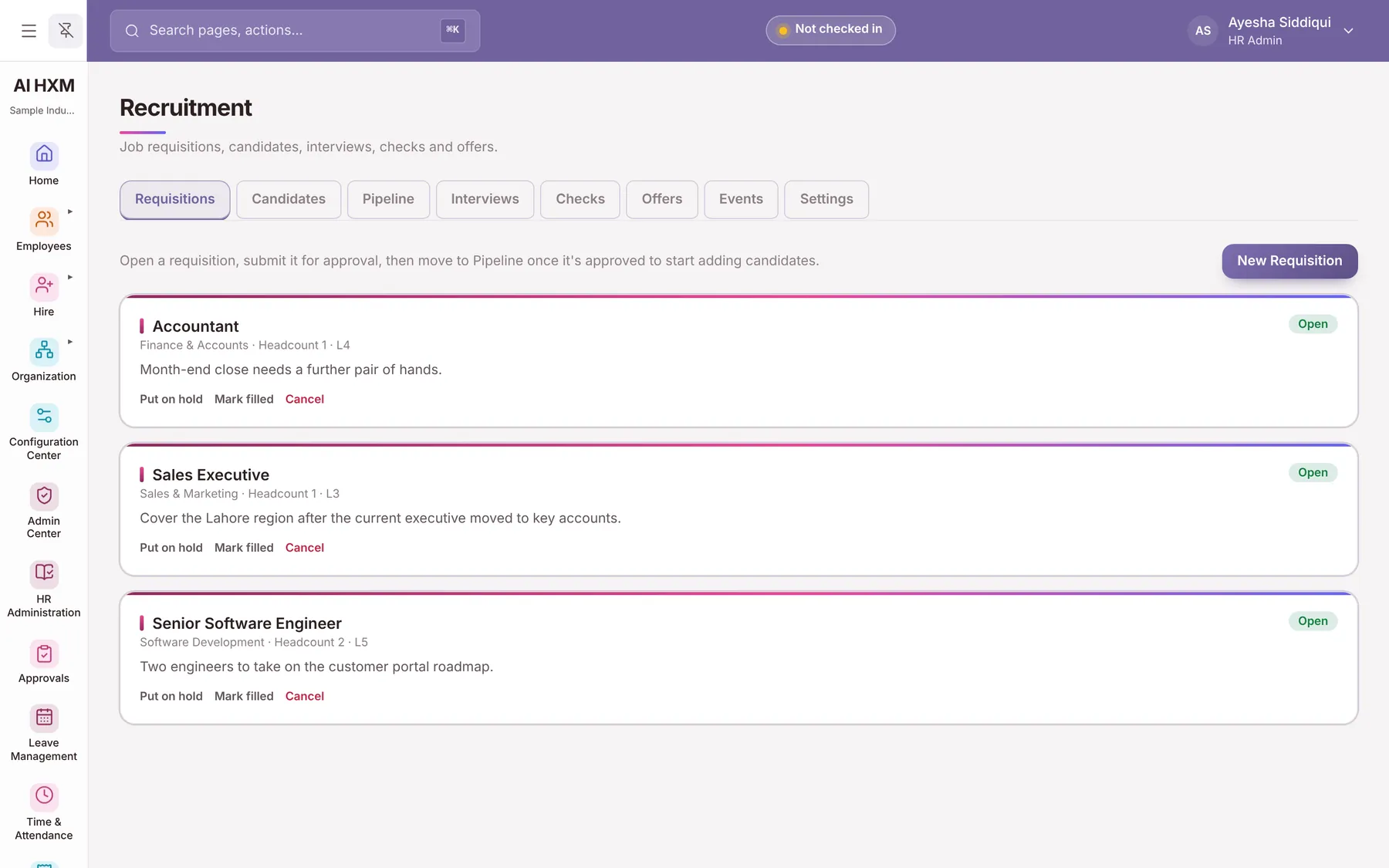
Raise a requisition, publish the job, track candidates through stages, schedule interviews and issue offers. When someone is hired their details flow into onboarding.
The problem
What this solves
Resumes in inboxes
Candidates are tracked in email threads.
Re-typing at hire
HR enters the same details again after the offer.
No view of the funnel
Nobody knows where candidates stall.
Capabilities
What Recruitment includes
What the module covers, grouped by the job it does.
Opening roles
- Job Requisitions
- Job Postings
- Public Careers Page
- Job Feed
Managing candidates
- Candidate Pipeline
- Candidate Records
- Interview Management
- Resume Text Reading
- Offer Management
- Recruitment Reports
How it works
The hiring path
- 1RequisitionApprove the role.
- 2PublishCareers page and feed.
- 3AssessScreening and interviews.
- 4OfferCreate and track the offer.
- 5HireMove into onboarding.
In practice
Practical use cases
Approved hiring
Requisitions can require approval before a role opens.
Public careers page
Open jobs appear on a page and in a job feed.
Straight to onboarding
A hired candidate becomes an employee record.
Business benefits
Why it matters
One pipeline
Every candidate in one place.
No double entry
Hire flows into the employee record.
Funnel visibility
Recruitment reports show each stage.
Configuration
Set it up your way
- Approval for requisitions
- Public careers page content
- Offer details
- Who can see candidates
FAQs
Recruitment questions
Do you have a careers page?
Yes. Open jobs can be published on a public careers page with a job feed.
Does it use AI to rank candidates?
No. Resume reading uses simple extraction rules and people make the decisions.
What happens when we hire?
The candidate details carry into the employee record and onboarding.
See Recruitment set up for your business
Book a personalised demo and we will walk through it with your own scenarios.